Bluetooth
The Bluetooth page manages the gateway's Bluetooth adapter. It allows scanning for nearby devices, pairing, and managing connected devices.
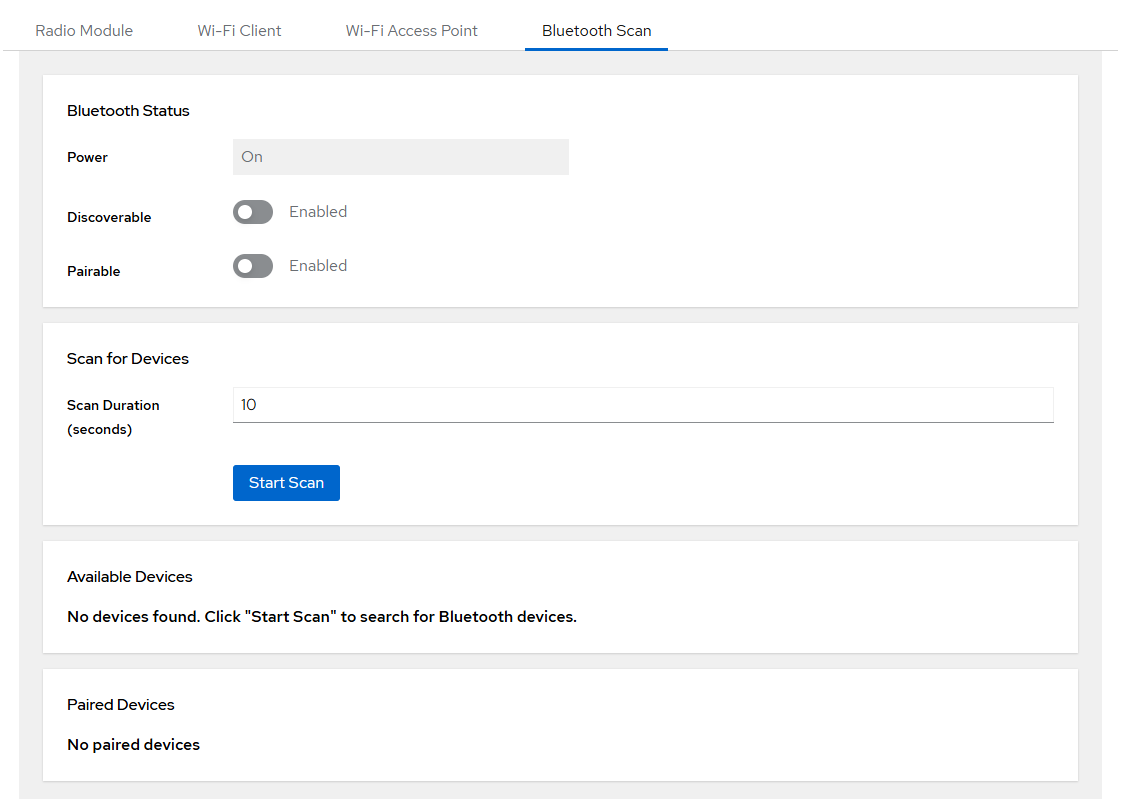
Adapter Status
The current state of the Bluetooth adapter is shown at the top:
| Property | Description |
|---|---|
| Power | Adapter power state (on/off, read-only indicator) |
| Discoverable | Whether other devices can discover this gateway |
| Pairable | Whether new devices are allowed to pair |
Use the toggles to enable or disable Discoverable and Pairable modes.

Scan
Set the scan duration (5–60 seconds) and click Start Scan to search for nearby Bluetooth devices.
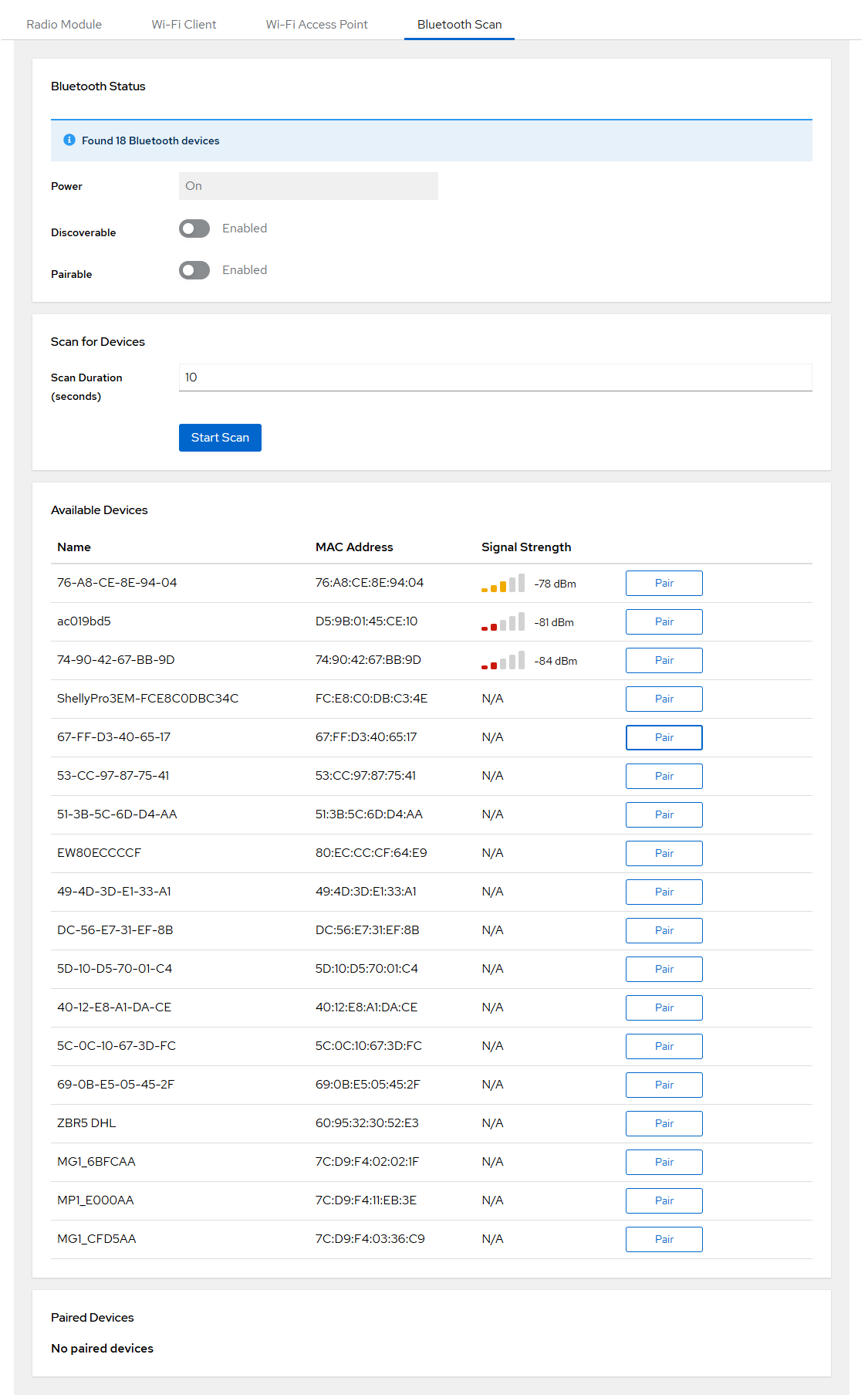
The scan result shows nearby devices with their address and name (if advertised).
Paired Devices
Devices that have been paired with the gateway are listed here. Available actions per device:
| Action | Description |
|---|---|
| Connect | Establish a connection to the paired device |
| Disconnect | Disconnect from the device |
| Trust | Mark the device as trusted (auto-connect) |
| Untrust | Remove trust from the device |
| Unpair | Remove the pairing entirely |
